Pixel Perfect: Crafting Bold Visuals with Editable Text Effects
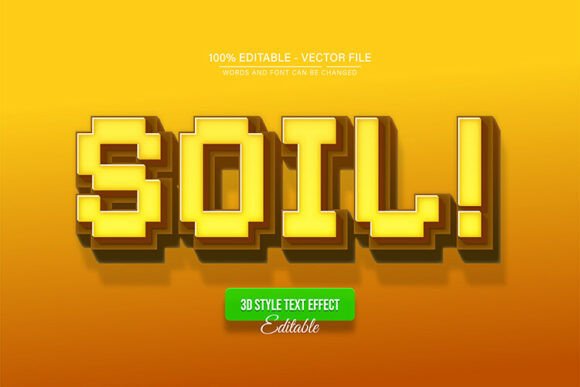
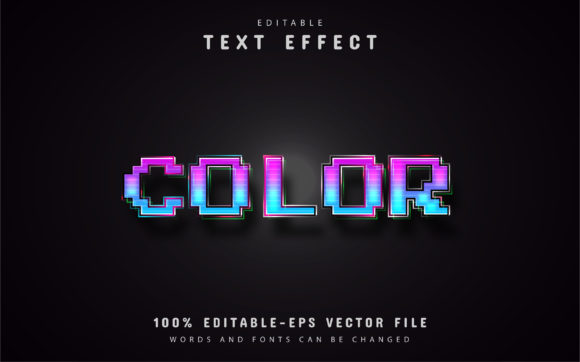
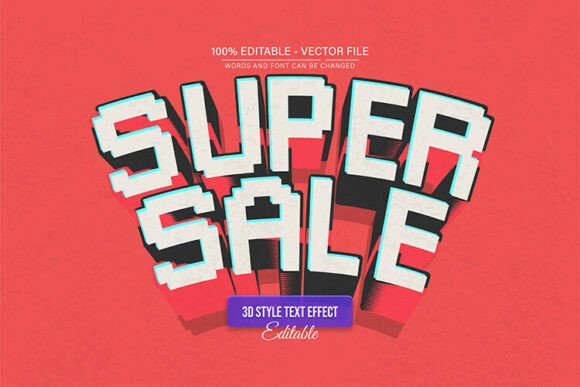
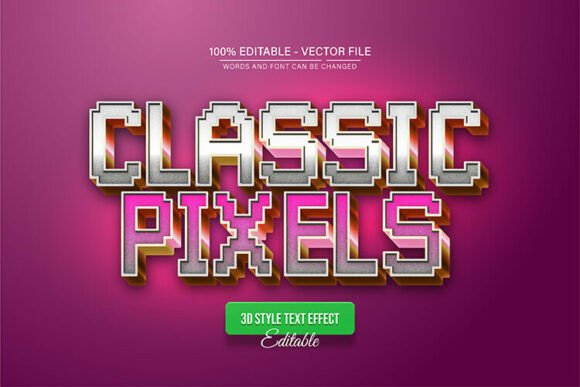
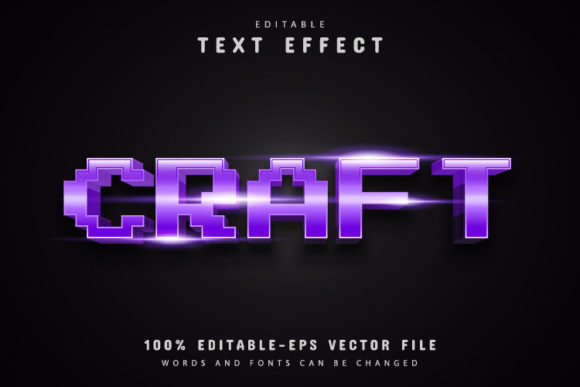
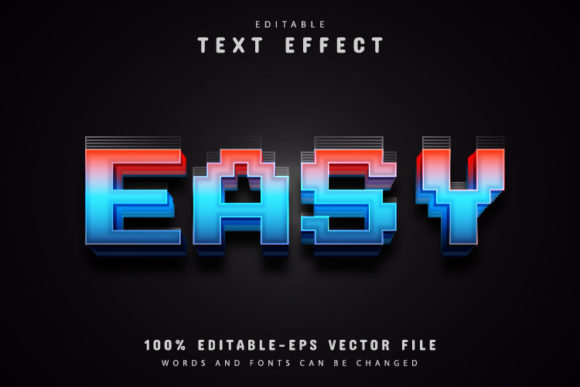
There’s a specific kind of visual punch that comes from pixel art, a nostalgic nod to the early days of computing that feels surprisingly modern when applied correctly. If you’ve ever tried to recreate that retro, blocky aesthetic using standard fonts, you know it can be frustrating; the edges often look blurry, or the scaling gets messy. That is where the Easy Pixel Text Effect Editable comes into play. It bridges the gap between retro charm and professional design needs, offering a vector-based solution that doesn't compromise on quality. It isn't just about making text look "cool"; it’s about capturing a specific mood—playful, tech-savvy, and bold—without spending hours manually constructing each letter.
For designers, entrepreneurs, and content creators, the value of a design asset lies in its flexibility. You need assets that can grow with your project. Because this is a fully editable vector design, you can enlarge or reduce the size to fit anything from a tiny favicon to a massive billboard, and the quality remains crisp. It’s a tool built for the reality of modern content creation, where one design might need to live on an Instagram story, a website header, and a printed flyer all in the same week.
Why Scalability Matters in Modern Branding
We live in a multi-platform world. A brand identity isn't just a logo on a business card anymore; it’s an ecosystem of digital and physical touchpoints. When you are building a visual identity, consistency is king. If you use a rasterized image for your text effects, you’ll eventually hit a wall. Try to blow up a low-res pixel graphic for a poster, and you’ll get the "mushy" look that screams amateur hour.
The Easy Pixel Text Effect Editable solves this by utilizing vector paths. In practical terms, this means the math behind the graphic scales perfectly every time. Whether you are designing packaging for a new indie game, creating merchandise for a tech startup, or drafting a poster for a LAN party, the integrity of the design holds up. This scalability ensures that your brand looks professional across all mediums, which is essential for building trust with your audience.
Practical Applications: Beyond the Screen
While the pixel aesthetic is rooted in digital history, its applications are vast. It’s a style that immediately communicates a certain vibe—often associated with gaming, tech, coding, or a playful, youthful energy. However, when used with sophisticated color palettes, it can also evoke a sense of brutalist design or high-fashion editorial art.
Here is where this specific design asset shines across different fields:
- Social Media & Content Creation: Thumbnails on YouTube or bold headlines on Instagram stories need to stop the scroll. The blocky, distinct nature of pixel text is highly legible even at small sizes on mobile screens, making it perfect for digital marketing assets.
- Logo Design & Branding: For businesses in the tech sector, e-sports, or creative digital services, a pixel-style logo can set you apart from the corporate sans-serifs. It suggests innovation and a connection to the digital roots of the industry.
- Editorial & Blog Design: If you run a blog about retro gaming, technology reviews, or digital art, using these effects for pull quotes or section headers can tie your content theme together visually.
- Merchandise & Invitations: Think about birthday invitations for a gamer, or t-shirt designs for a coding bootcamp. The aesthetic is instantly recognizable and appeals to a specific niche audience.
Streamlining Your Workflow with Editable Assets
Time is the most valuable currency for any creative professional. We’ve all downloaded a "free" asset only to spend three hours trying to figure out how to change the color or the text. The true utility of the Easy Pixel Text Effect Editable lies in its ease of use. It is designed to be a 100% editable vector, meaning you aren't locked into the creator's original vision.
The workflow is intuitive, even for those who might be newer to Adobe Illustrator. You don't need advanced skills to manipulate these files. The process is straightforward: open the file, select the text tool, and type your message. The effect is applied automatically. This "no skill requirement" approach is vital for small business owners who might be handling their own marketing materials. You get the benefit of a high-end design look without the steep learning curve usually associated with complex vector effects.
Furthermore, the ability to switch up color variations instantly allows for rapid prototyping. You can see how your brand colors interact with the pixel texture in seconds. Is the red too aggressive? Switch it to a cool cyberpunk blue. Does the yellow clash with your background? Try a neon green. This flexibility is crucial for finding the perfect balance for your visual communication.
Typography Pairing and Visual Hierarchy
Using a display font or a text effect like this requires a bit of strategy regarding hierarchy. Because pixel text is visually dense and textured, it works best as a headline or accent font. It grabs attention. However, for body copy or long-form reading, it can become tiring on the eyes. This is where font pairing comes in.
When you use the Easy Pixel Text Effect Editable for your main headers, consider pairing it with a clean, simple sans-serif font for the body text. A geometric sans-serif complements the blocky nature of pixels without competing for attention. For example, a bold pixel header followed by a lightweight Open Sans or Roboto body text creates a pleasing contrast that guides the reader's eye naturally down the page.
Think about the message you want to convey. If you are going for a vintage arcade feel, the pixel effect is perfect. If you are aiming for a more sophisticated "glitch" art look, you might use the effect sparingly. The key is to ensure that your typography supports the readability of your content rather than hindering it. Always test your designs on actual devices—mobile phones, tablets, and printed paper—to ensure the effect translates well in the real world.
Final Thoughts on Creative Assets
In the end, a design asset is only as good as the work you produce with it. The Easy Pixel Text Effect Editable offers a unique aesthetic that is difficult to replicate manually, saving you time and frustration. By providing EPS and JPG formats, it ensures compatibility with standard design software, making it a versatile addition to any designer's toolkit.
Whether you are crafting a brand identity for a tech startup, designing a flyer for a community event, or just looking to add some retro flair to your personal projects, having a reliable, editable vector resource at your disposal is invaluable. It empowers you to focus on the creative side of things—the messaging, the colors, the composition—rather than getting bogged down in technical execution. So, open up Illustrator, play with the colors, and see how this pixelated typography can bring your next project to life.